
Power tools are game-changers in the workshop - they make... Mostra di più
 Construction Studies4 visualizzazioni·Aggiornato May 30, 2026·6 pagine
Basic Power Tools: Safety Tips and Maintenance Guide
1 / 6
1
of 6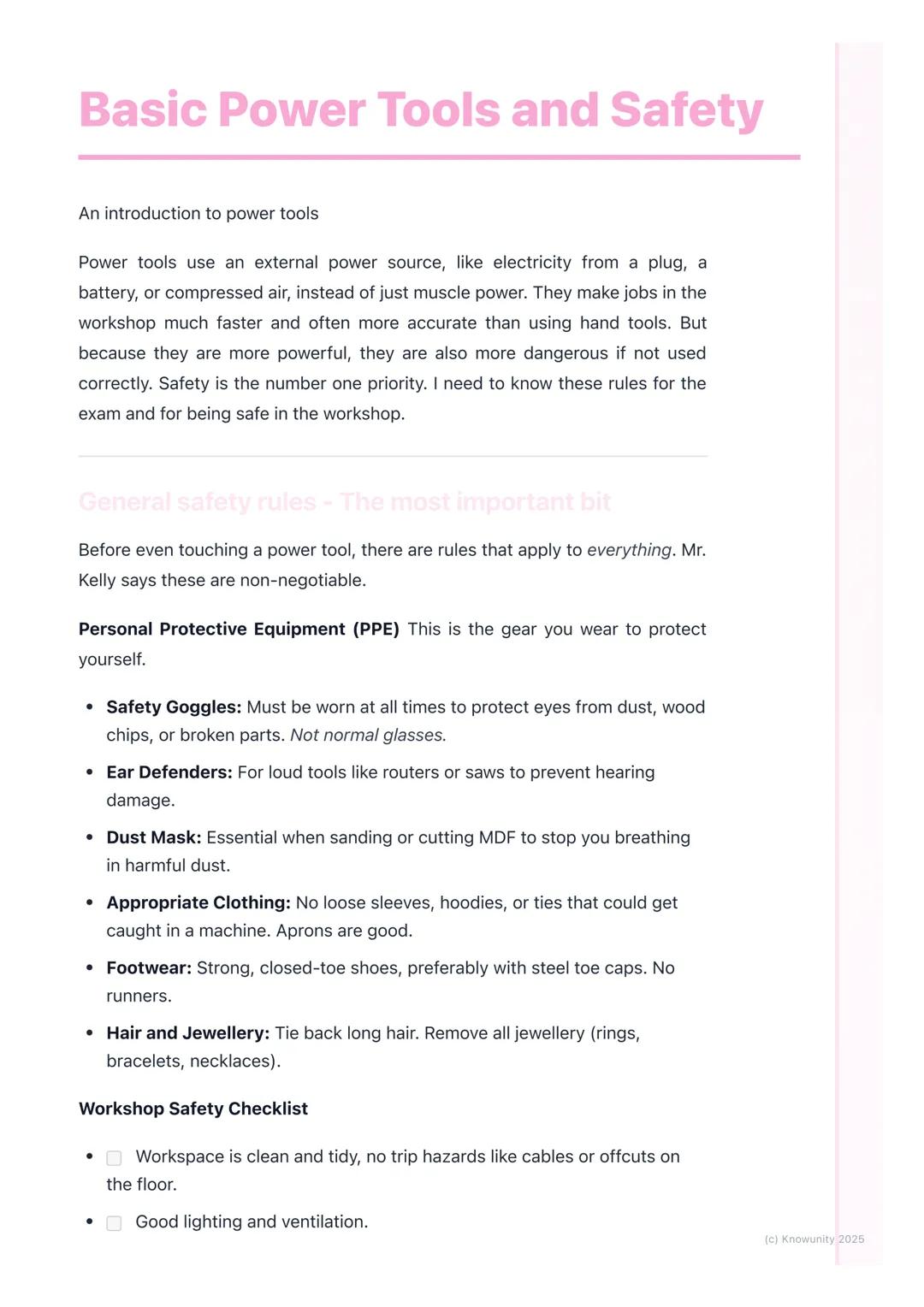
Basic Power Tools and Safety
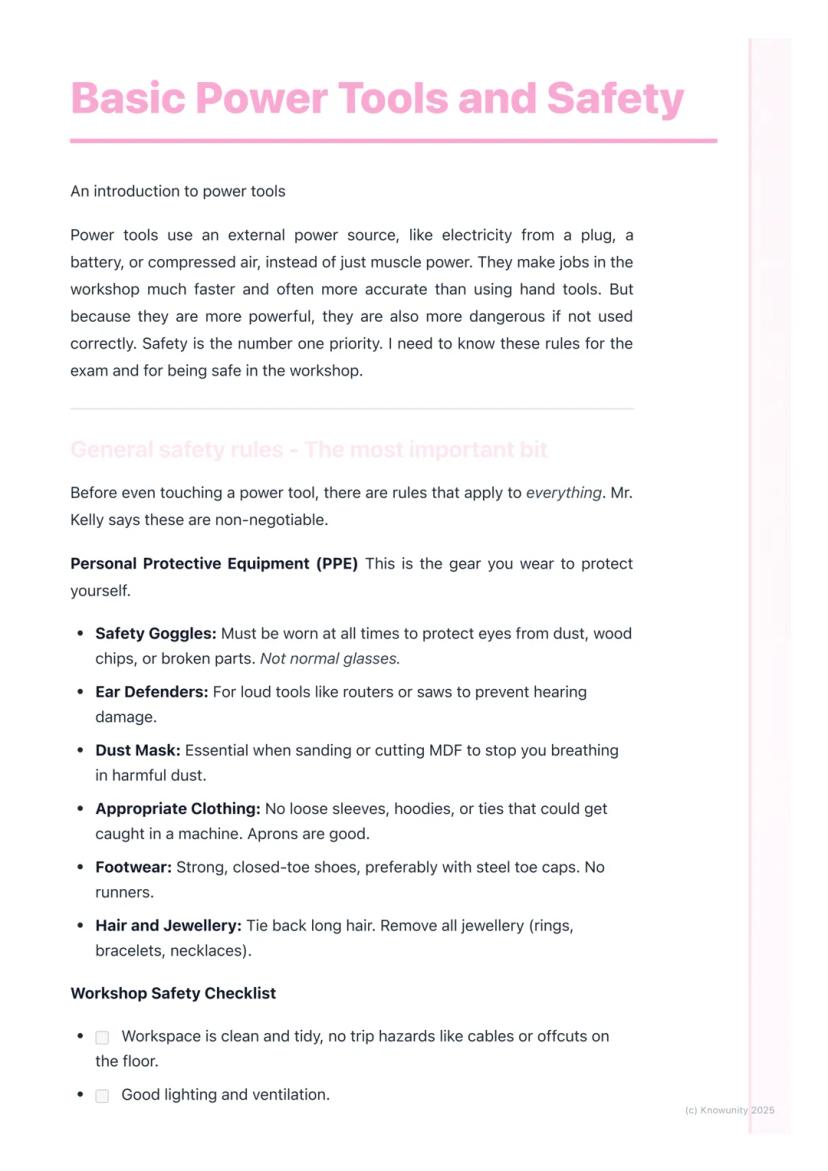
Power tools run on electricity, batteries, or compressed air instead of just muscle power. They're brilliant for getting jobs done quickly and accurately, but they can be dangerous if you're not careful.
Personal Protective Equipment (PPE) is absolutely non-negotiable. You'll need safety goggles (not regular glasses), ear defenders for loud tools, and a dust mask when cutting or sanding. Wear appropriate clothing - no loose sleeves or hoodies that could get caught. Strong, closed-toe shoes are essential, and tie back long hair whilst removing all jewellery.
Your workspace needs to be spotless and well-lit. Know where the emergency stop buttons and fire extinguishers are located. Always clamp your workpiece securely to the bench - never hold small pieces by hand whilst using power tools on them.
Remember: The RCD (Residual Current Device) is a life-saving feature that instantly cuts power if there's an electrical fault, preventing serious electric shocks.
2
of 6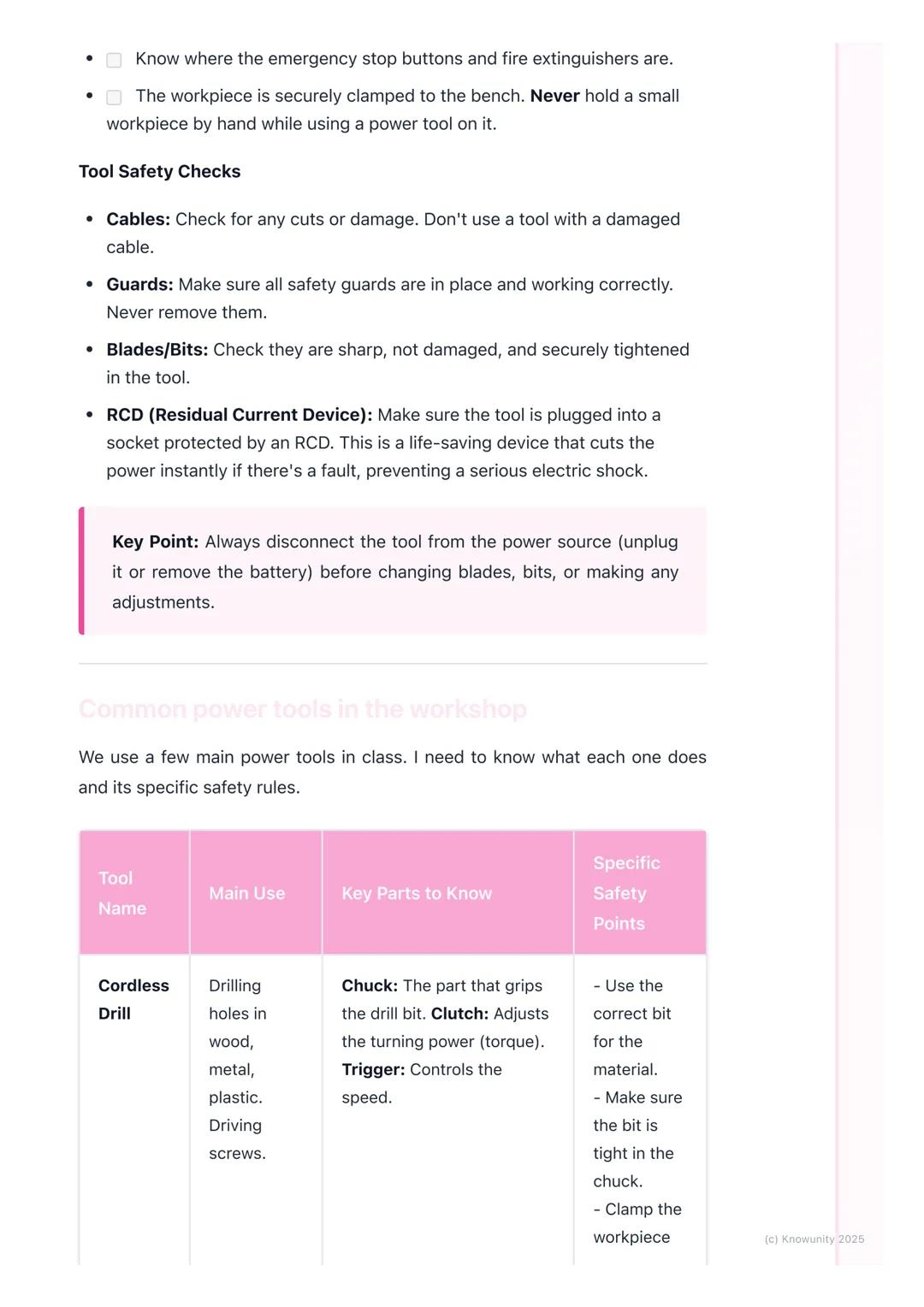
Tool Safety Checks
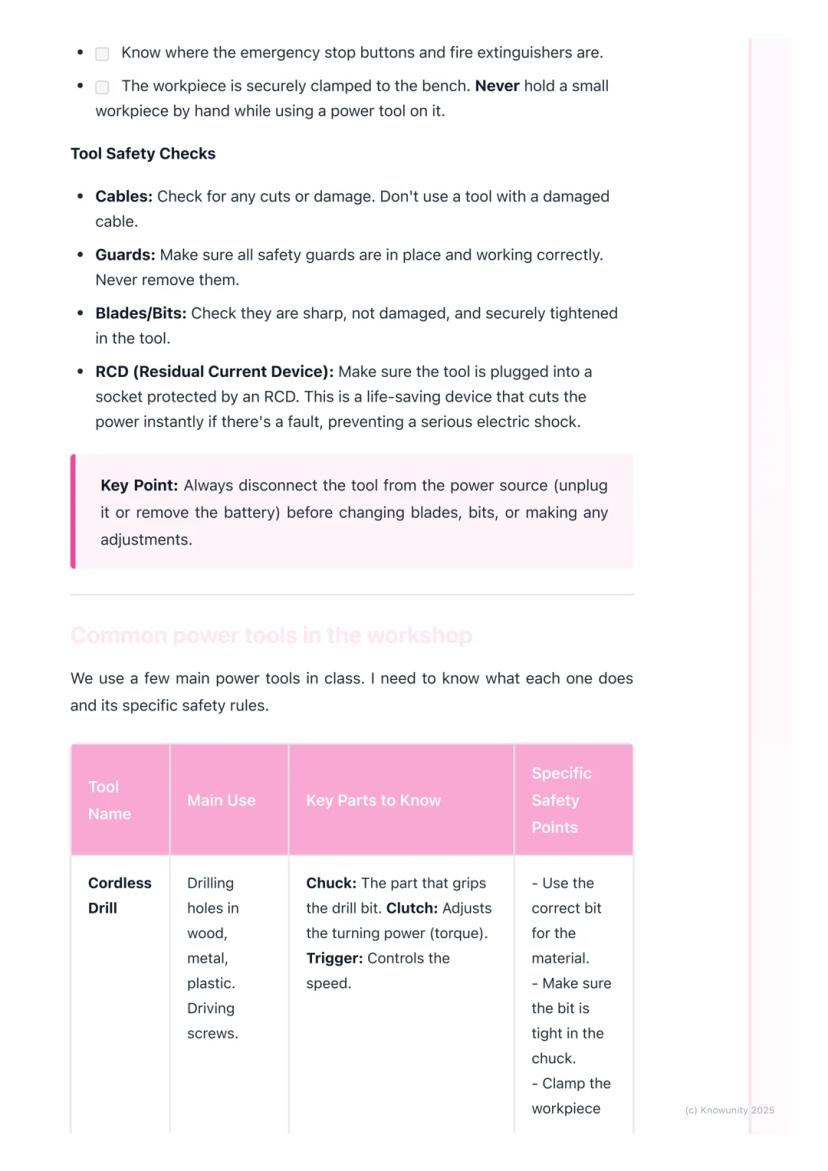
Before touching any power tool, you need to do essential safety checks. Inspect cables for cuts or damage - never use a tool with a damaged cable. All safety guards must be in place and working properly - never remove them.
Check that blades and bits are sharp, undamaged, and securely tightened. Make sure your tool is plugged into a socket protected by an RCD.
The golden rule is simple: always disconnect the power (unplug or remove the battery) before changing blades, bits, or making any adjustments. This prevents accidental starts that could cause serious injuries.
Key Point: Most workshop accidents happen when people skip the basic safety checks - don't be that person!
3
of 6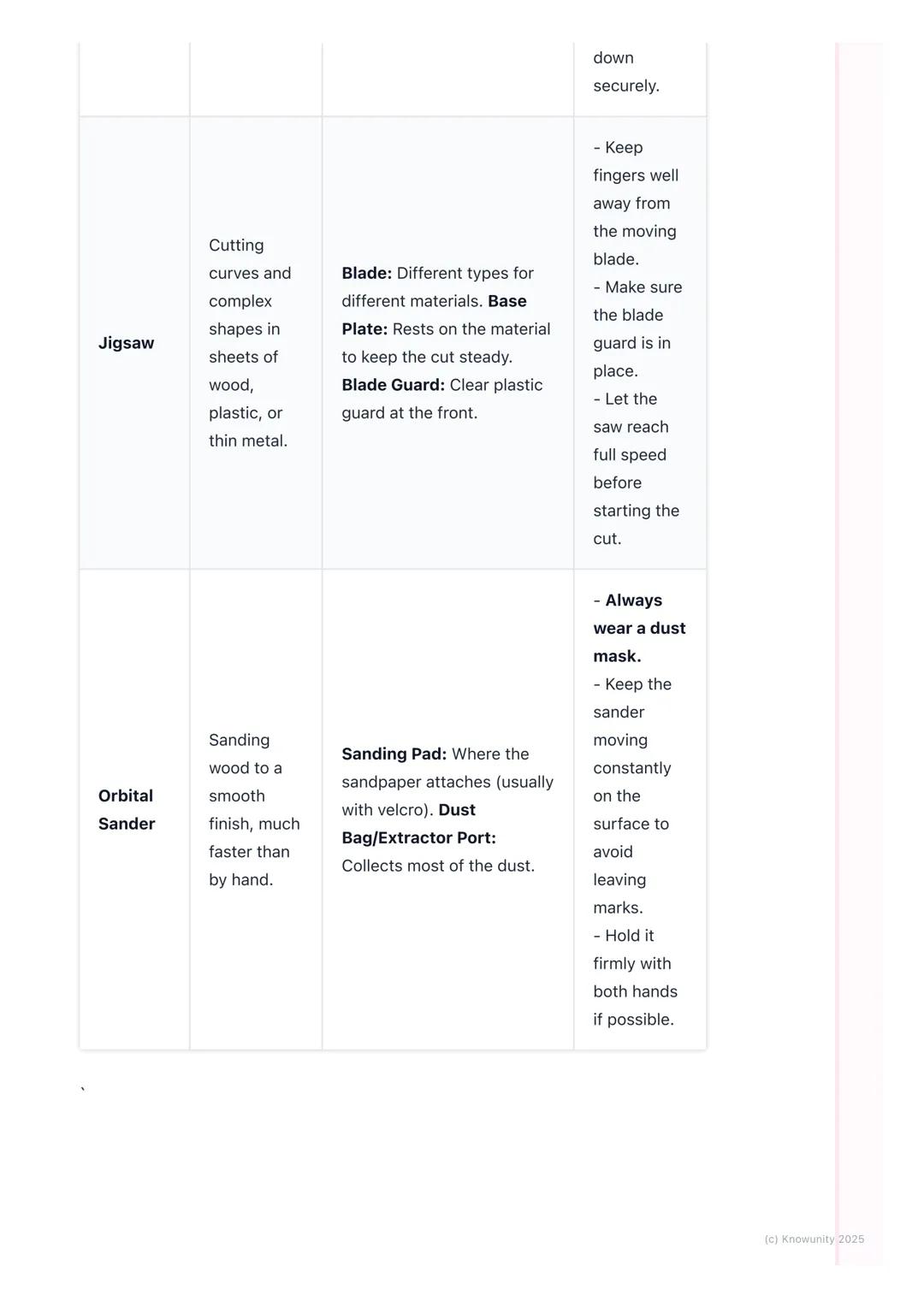
Common Workshop Power Tools
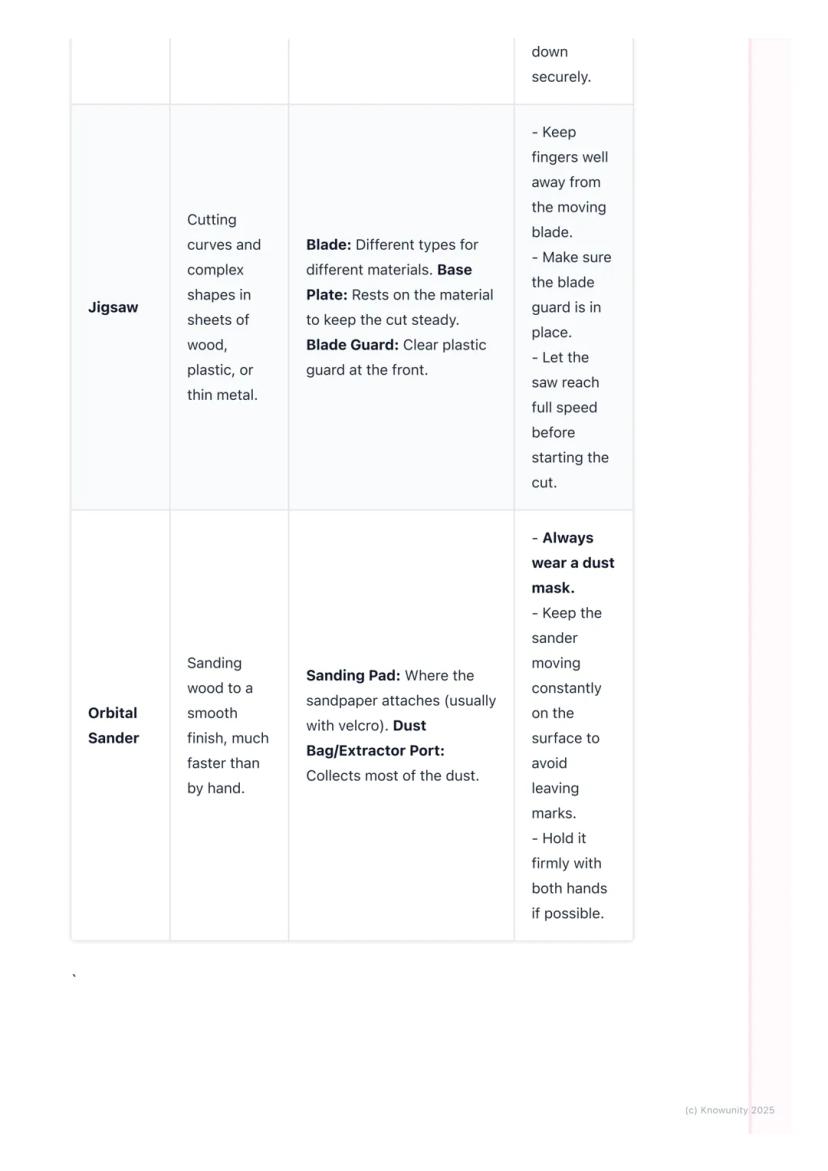
You'll mainly work with three essential power tools. The cordless drill is perfect for drilling holes and driving screws - learn about the chuck (grips the bit), clutch (adjusts turning power), and trigger (controls speed).
The jigsaw cuts curves and complex shapes in wood, plastic, or thin metal. Key parts include the blade (different types for different materials), base plate (keeps cuts steady), and blade guard (clear plastic protection).
The orbital sander smooths wood surfaces much faster than hand sanding. It has a sanding pad where sandpaper attaches and a dust bag to collect most particles.
Safety Tip: Always let jigsaws reach full speed before starting your cut, and keep orbital sanders moving constantly to avoid leaving marks.
4
of 6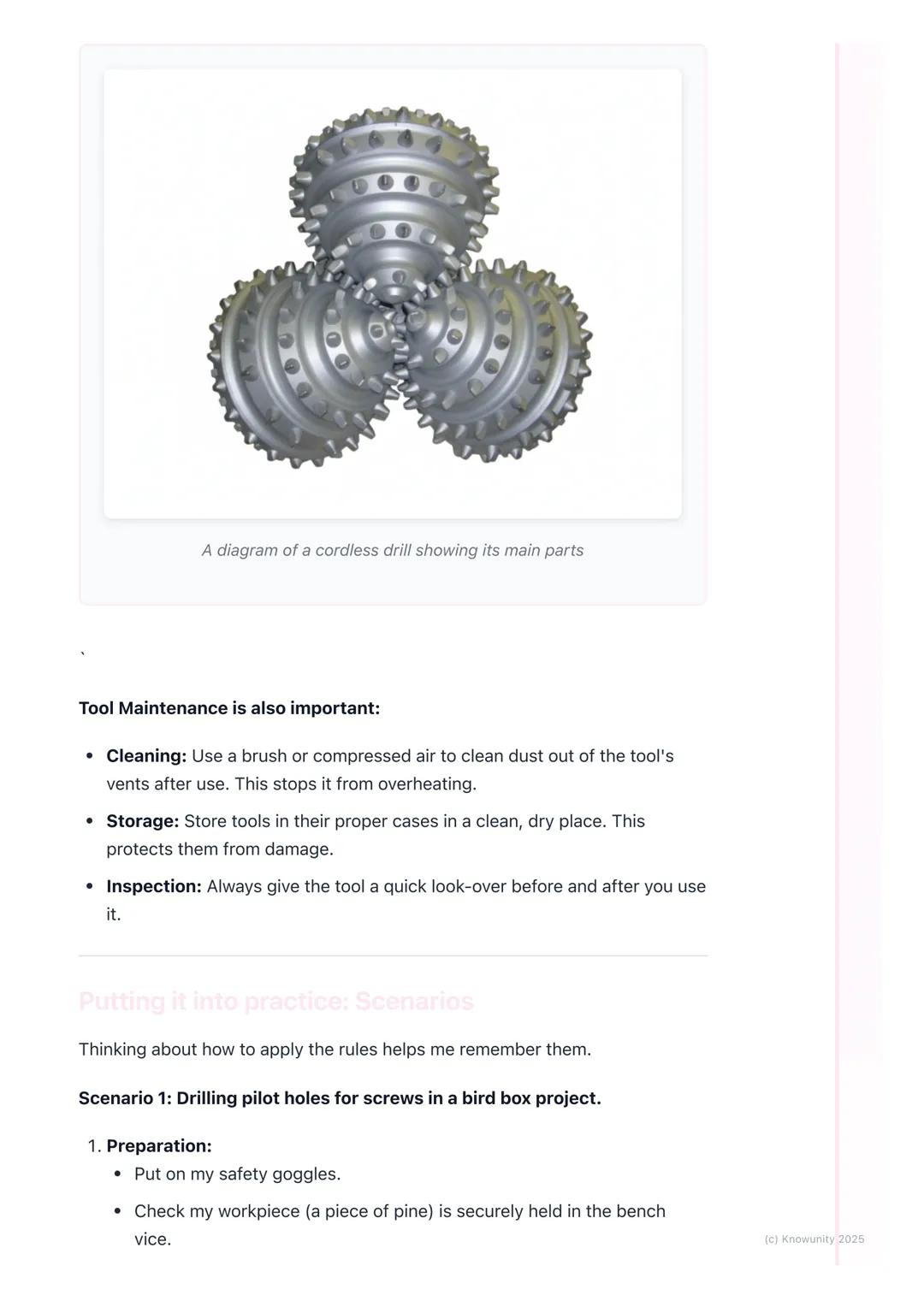
Tool Maintenance and Practical Application
Keep your tools in top condition by cleaning dust from vents with a brush after use - this prevents overheating. Store tools in proper cases in clean, dry places, and always inspect them before and after use.
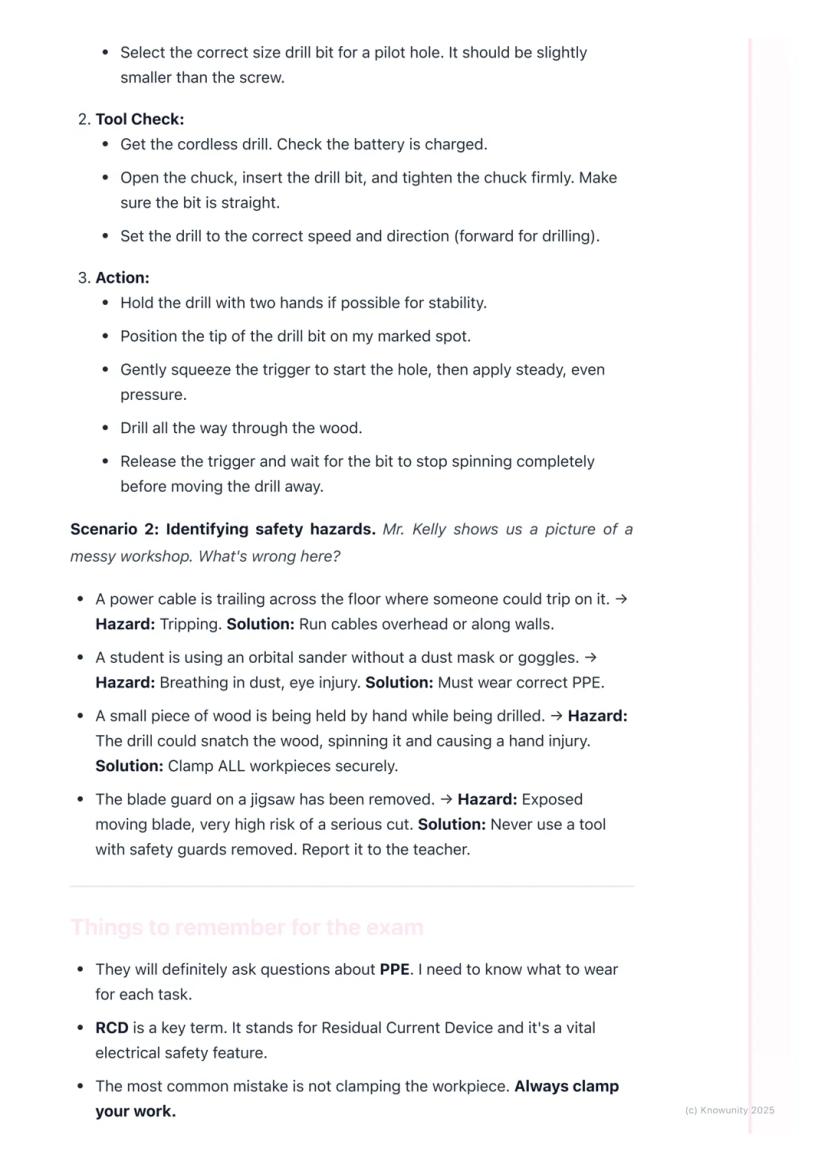
When drilling pilot holes, prepare by putting on safety goggles and securing your workpiece in a bench vice. Select the correct drill bit size (slightly smaller than your screw), check the battery is charged, and tighten the chuck firmly.
Hold the drill with both hands for stability. Position the bit on your marked spot, gently squeeze the trigger to start, then apply steady pressure. Always wait for the bit to stop spinning completely before moving the drill away.
Workshop Wisdom: Taking time to prepare properly always saves time in the long run and prevents accidents.
5
of 6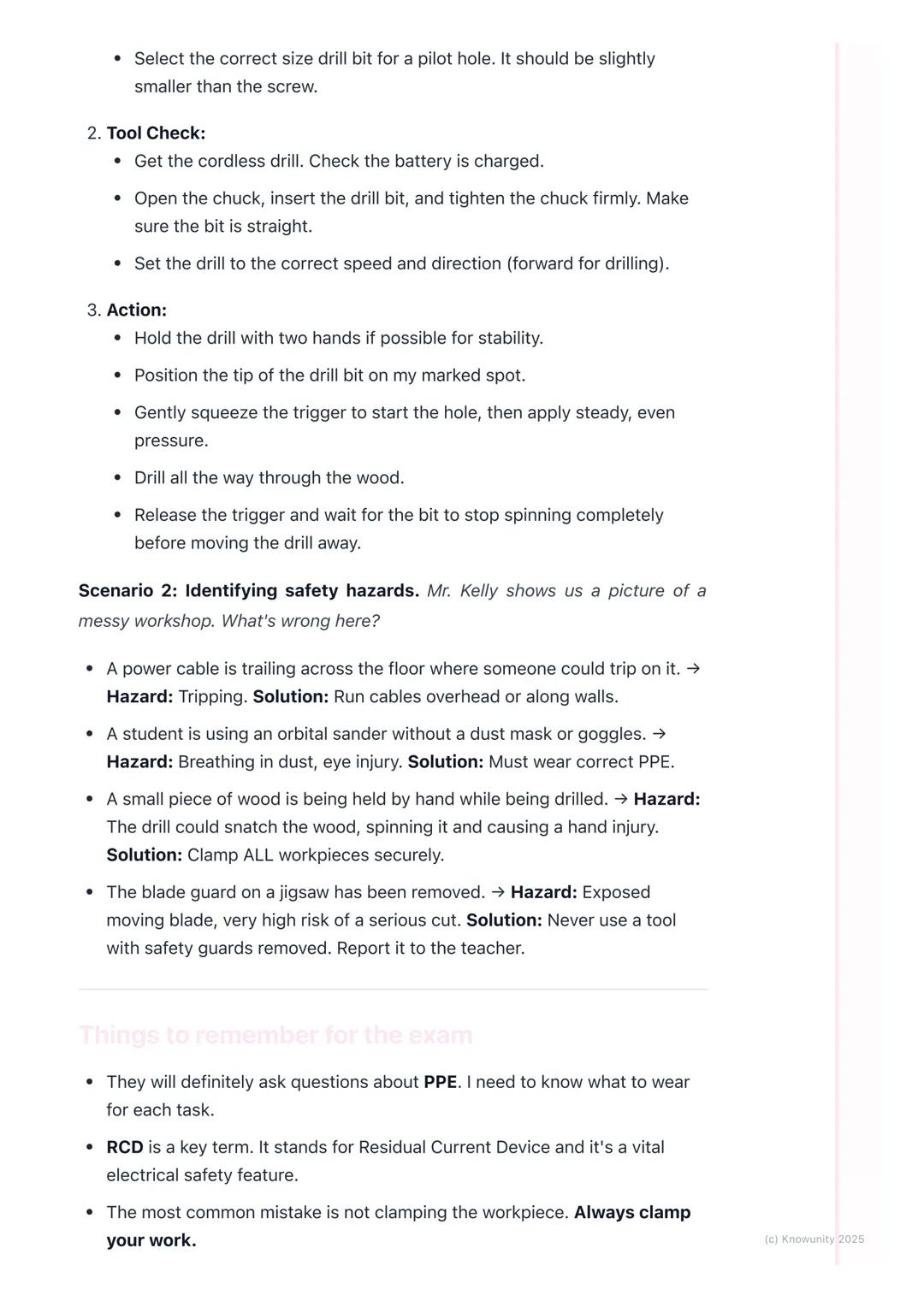
Identifying Safety Hazards
Learning to spot hazards keeps you safe. Trailing cables create tripping hazards - run them overhead or along walls instead. Students using sanders without dust masks or goggles risk breathing problems and eye injuries.
Never hold small pieces by hand whilst drilling - the drill can snatch the wood and spin it, causing hand injuries. Always clamp workpieces securely. If you see a tool with its safety guard removed, don't use it and report it immediately to your teacher.
The most common mistakes include not clamping workpieces and leaving tools plugged in whilst changing blades or bits. These simple errors cause the majority of workshop accidents.
Exam Alert: You'll definitely get questions about PPE and the importance of RCDs - make sure you know what each piece of safety equipment protects against.
6
of 6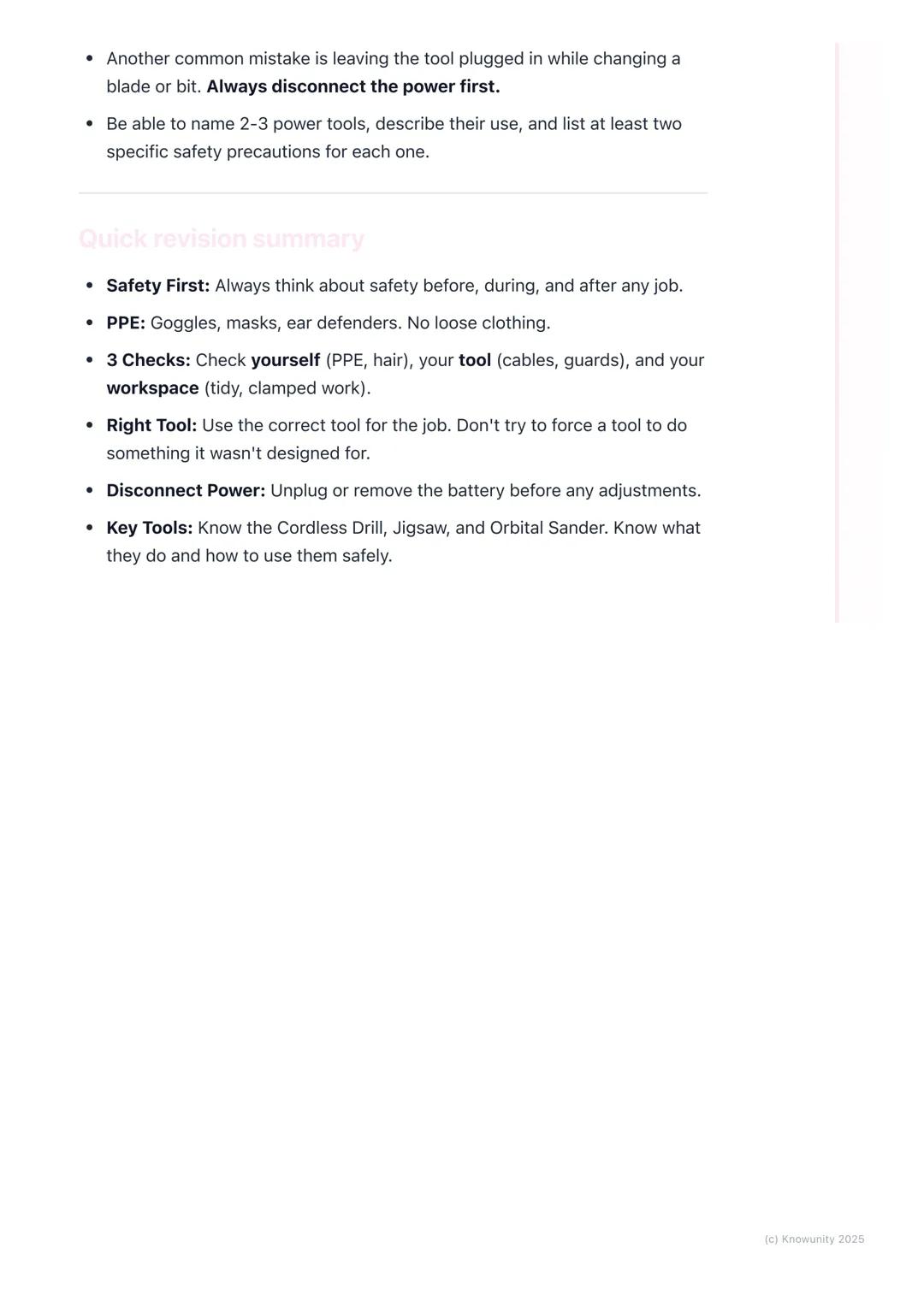
Quick Revision Summary
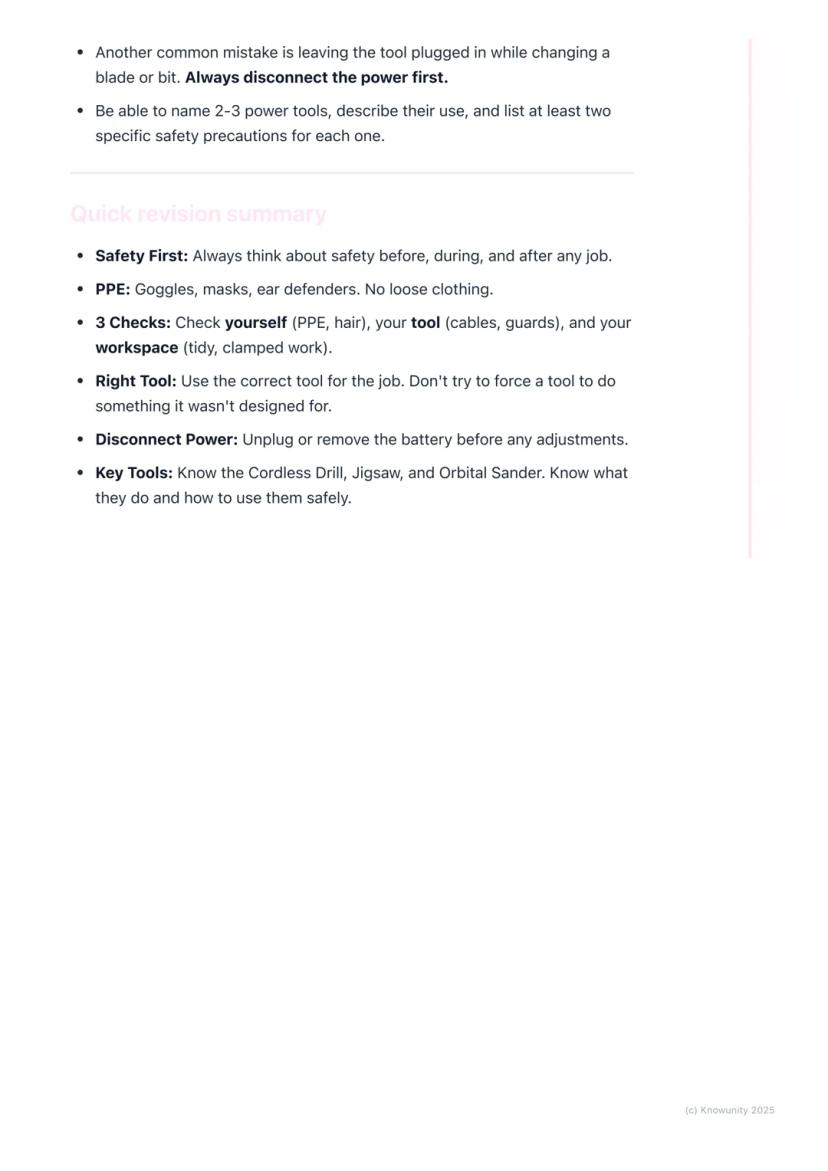
Remember the three essential checks: yourself (PPE, hair tied back), your tool (cables, guards, sharp bits), and your workspace (tidy, with work clamped securely). Always use the right tool for each job - don't force tools to do things they weren't designed for.
Disconnect power before making any adjustments. Know your three main tools: cordless drill for holes and screws, jigsaw for curves and complex cuts, and orbital sander for smooth finishes.
Safety isn't just about following rules - it's about developing good habits that'll serve you well in any workshop situation. Master these basics now, and you'll be confident using power tools for years to come.
Success Strategy: Practice identifying the specific safety requirements for each tool - this knowledge will boost your exam performance and keep you safe in practical work.
Pensavamo che non l'avreste mai chiesto....
Che cos'è l'assistente AI di Knowunity?
Il nostro assistente AI è costruito specificamente per le esigenze degli studenti. Sulla base dei milioni di contenuti presenti sulla piattaforma, possiamo fornire agli studenti risposte davvero significative e pertinenti. Ma non si tratta solo di risposte, l'assistente è in grado di guidare gli studenti attraverso le loro sfide quotidiane di studio, con piani di studio personalizzati, quiz o contenuti nella chat e una personalizzazione al 100% basata sulle competenze e sugli sviluppi degli studenti.
Dove posso scaricare l'applicazione Knowunity?
È possibile scaricare l'applicazione dal Google Play Store e dall'Apple App Store.
Knowunity è davvero gratuita?
Sì, hai accesso completamente gratuito a tutti i contenuti nell'app e puoi chattare o seguire i Creatori in qualsiasi momento. Sbloccherai nuove funzioni crescendo il tuo numero di follower. Inoltre, offriamo Knowunity Premium, che consente di studiare senza alcun limite!!
Contenuti più popolari
9Non c'è niente di adatto? Esplorare altre aree tematiche.
Recensioni dei nostri utenti. Ci adorano - e anche tu, vedrai .
4.6/5App Store
4.7/5Google Play
L'applicazione è molto facile da usare e ben progettata. Finora ho trovato tutto quello che cercavo e ho potuto imparare molto dalle presentazioni! Utilizzerò sicuramente l'app per i compiti in classe! È molto utile anche come fonte di ispirazione.
Stefano Sutente iOS
Questa applicazione è davvero grande! Ci sono tantissimi appunti e aiuti con lo studio [...]. La mia materia problematica, per esempio, è il francese e l'app ha così tante opzioni per aiutarmi. Grazie a questa app ho migliorato il mio francese. La consiglio a tutti.
Samantha Klichutente Android
Wow, sono davvero stupita. Ho appena provato l'app perché l'ho vista pubblicizzata molte volte e sono rimasta assolutamente sbalordita. Questa app è L'AIUTO che cercate per la scuola e soprattutto offre tantissime cose, come allenamenti e schede, che a me personalmente sono state MOLTO utili.
Annautente iOS
Construction Studies4 visualizzazioni·Aggiornato May 30, 2026·6 pagineBasic Power Tools: Safety Tips and Maintenance Guide
Power tools are game-changers in the workshop - they make everything faster and more precise than hand tools. But with great power comes great responsibility, and safety must always come first.
1
of 6Iscriviti per mostrare il contenuto. È gratis!
- Accesso a tutti i documenti
- Migliora i tuoi voti
- Unisciti a milioni di studenti
Basic Power Tools and Safety
Power tools run on electricity, batteries, or compressed air instead of just muscle power. They're brilliant for getting jobs done quickly and accurately, but they can be dangerous if you're not careful.
Personal Protective Equipment (PPE) is absolutely non-negotiable. You'll need safety goggles (not regular glasses), ear defenders for loud tools, and a dust mask when cutting or sanding. Wear appropriate clothing - no loose sleeves or hoodies that could get caught. Strong, closed-toe shoes are essential, and tie back long hair whilst removing all jewellery.
Your workspace needs to be spotless and well-lit. Know where the emergency stop buttons and fire extinguishers are located. Always clamp your workpiece securely to the bench - never hold small pieces by hand whilst using power tools on them.
Remember: The RCD (Residual Current Device) is a life-saving feature that instantly cuts power if there's an electrical fault, preventing serious electric shocks.
2
of 6Iscriviti per mostrare il contenuto. È gratis!
- Accesso a tutti i documenti
- Migliora i tuoi voti
- Unisciti a milioni di studenti
Tool Safety Checks
Before touching any power tool, you need to do essential safety checks. Inspect cables for cuts or damage - never use a tool with a damaged cable. All safety guards must be in place and working properly - never remove them.
Check that blades and bits are sharp, undamaged, and securely tightened. Make sure your tool is plugged into a socket protected by an RCD.
The golden rule is simple: always disconnect the power (unplug or remove the battery) before changing blades, bits, or making any adjustments. This prevents accidental starts that could cause serious injuries.
Key Point: Most workshop accidents happen when people skip the basic safety checks - don't be that person!
3
of 6Iscriviti per mostrare il contenuto. È gratis!
- Accesso a tutti i documenti
- Migliora i tuoi voti
- Unisciti a milioni di studenti
Common Workshop Power Tools
You'll mainly work with three essential power tools. The cordless drill is perfect for drilling holes and driving screws - learn about the chuck (grips the bit), clutch (adjusts turning power), and trigger (controls speed).
The jigsaw cuts curves and complex shapes in wood, plastic, or thin metal. Key parts include the blade (different types for different materials), base plate (keeps cuts steady), and blade guard (clear plastic protection).
The orbital sander smooths wood surfaces much faster than hand sanding. It has a sanding pad where sandpaper attaches and a dust bag to collect most particles.
Safety Tip: Always let jigsaws reach full speed before starting your cut, and keep orbital sanders moving constantly to avoid leaving marks.
4
of 6Iscriviti per mostrare il contenuto. È gratis!
- Accesso a tutti i documenti
- Migliora i tuoi voti
- Unisciti a milioni di studenti
Tool Maintenance and Practical Application
Keep your tools in top condition by cleaning dust from vents with a brush after use - this prevents overheating. Store tools in proper cases in clean, dry places, and always inspect them before and after use.
When drilling pilot holes, prepare by putting on safety goggles and securing your workpiece in a bench vice. Select the correct drill bit size (slightly smaller than your screw), check the battery is charged, and tighten the chuck firmly.
Hold the drill with both hands for stability. Position the bit on your marked spot, gently squeeze the trigger to start, then apply steady pressure. Always wait for the bit to stop spinning completely before moving the drill away.
Workshop Wisdom: Taking time to prepare properly always saves time in the long run and prevents accidents.
5
of 6Iscriviti per mostrare il contenuto. È gratis!
- Accesso a tutti i documenti
- Migliora i tuoi voti
- Unisciti a milioni di studenti
Identifying Safety Hazards
Learning to spot hazards keeps you safe. Trailing cables create tripping hazards - run them overhead or along walls instead. Students using sanders without dust masks or goggles risk breathing problems and eye injuries.
Never hold small pieces by hand whilst drilling - the drill can snatch the wood and spin it, causing hand injuries. Always clamp workpieces securely. If you see a tool with its safety guard removed, don't use it and report it immediately to your teacher.
The most common mistakes include not clamping workpieces and leaving tools plugged in whilst changing blades or bits. These simple errors cause the majority of workshop accidents.
Exam Alert: You'll definitely get questions about PPE and the importance of RCDs - make sure you know what each piece of safety equipment protects against.
6
of 6Iscriviti per mostrare il contenuto. È gratis!
- Accesso a tutti i documenti
- Migliora i tuoi voti
- Unisciti a milioni di studenti
Quick Revision Summary
Remember the three essential checks: yourself (PPE, hair tied back), your tool (cables, guards, sharp bits), and your workspace (tidy, with work clamped securely). Always use the right tool for each job - don't force tools to do things they weren't designed for.
Disconnect power before making any adjustments. Know your three main tools: cordless drill for holes and screws, jigsaw for curves and complex cuts, and orbital sander for smooth finishes.
Safety isn't just about following rules - it's about developing good habits that'll serve you well in any workshop situation. Master these basics now, and you'll be confident using power tools for years to come.
Success Strategy: Practice identifying the specific safety requirements for each tool - this knowledge will boost your exam performance and keep you safe in practical work.
Pensavamo che non l'avreste mai chiesto....
Che cos'è l'assistente AI di Knowunity?
Il nostro assistente AI è costruito specificamente per le esigenze degli studenti. Sulla base dei milioni di contenuti presenti sulla piattaforma, possiamo fornire agli studenti risposte davvero significative e pertinenti. Ma non si tratta solo di risposte, l'assistente è in grado di guidare gli studenti attraverso le loro sfide quotidiane di studio, con piani di studio personalizzati, quiz o contenuti nella chat e una personalizzazione al 100% basata sulle competenze e sugli sviluppi degli studenti.
Dove posso scaricare l'applicazione Knowunity?
È possibile scaricare l'applicazione dal Google Play Store e dall'Apple App Store.
Knowunity è davvero gratuita?
Sì, hai accesso completamente gratuito a tutti i contenuti nell'app e puoi chattare o seguire i Creatori in qualsiasi momento. Sbloccherai nuove funzioni crescendo il tuo numero di follower. Inoltre, offriamo Knowunity Premium, che consente di studiare senza alcun limite!!
Contenuti più popolari
9Non c'è niente di adatto? Esplorare altre aree tematiche.
Recensioni dei nostri utenti. Ci adorano - e anche tu, vedrai .
4.6/5App Store
4.7/5Google Play
L'applicazione è molto facile da usare e ben progettata. Finora ho trovato tutto quello che cercavo e ho potuto imparare molto dalle presentazioni! Utilizzerò sicuramente l'app per i compiti in classe! È molto utile anche come fonte di ispirazione.
Stefano Sutente iOS
Questa applicazione è davvero grande! Ci sono tantissimi appunti e aiuti con lo studio [...]. La mia materia problematica, per esempio, è il francese e l'app ha così tante opzioni per aiutarmi. Grazie a questa app ho migliorato il mio francese. La consiglio a tutti.
Samantha Klichutente Android
Wow, sono davvero stupita. Ho appena provato l'app perché l'ho vista pubblicizzata molte volte e sono rimasta assolutamente sbalordita. Questa app è L'AIUTO che cercate per la scuola e soprattutto offre tantissime cose, come allenamenti e schede, che a me personalmente sono state MOLTO utili.
Annautente iOS